Turn last session into next session prep in minutes.
Paste notes or a transcript. RecapForge turns it into a clean recap, unresolved threads, NPC reminders, and a prep checklist you can actually run at the table.
One recap turns into next prep.
Not a blank note app.
Then $12/month per DM.
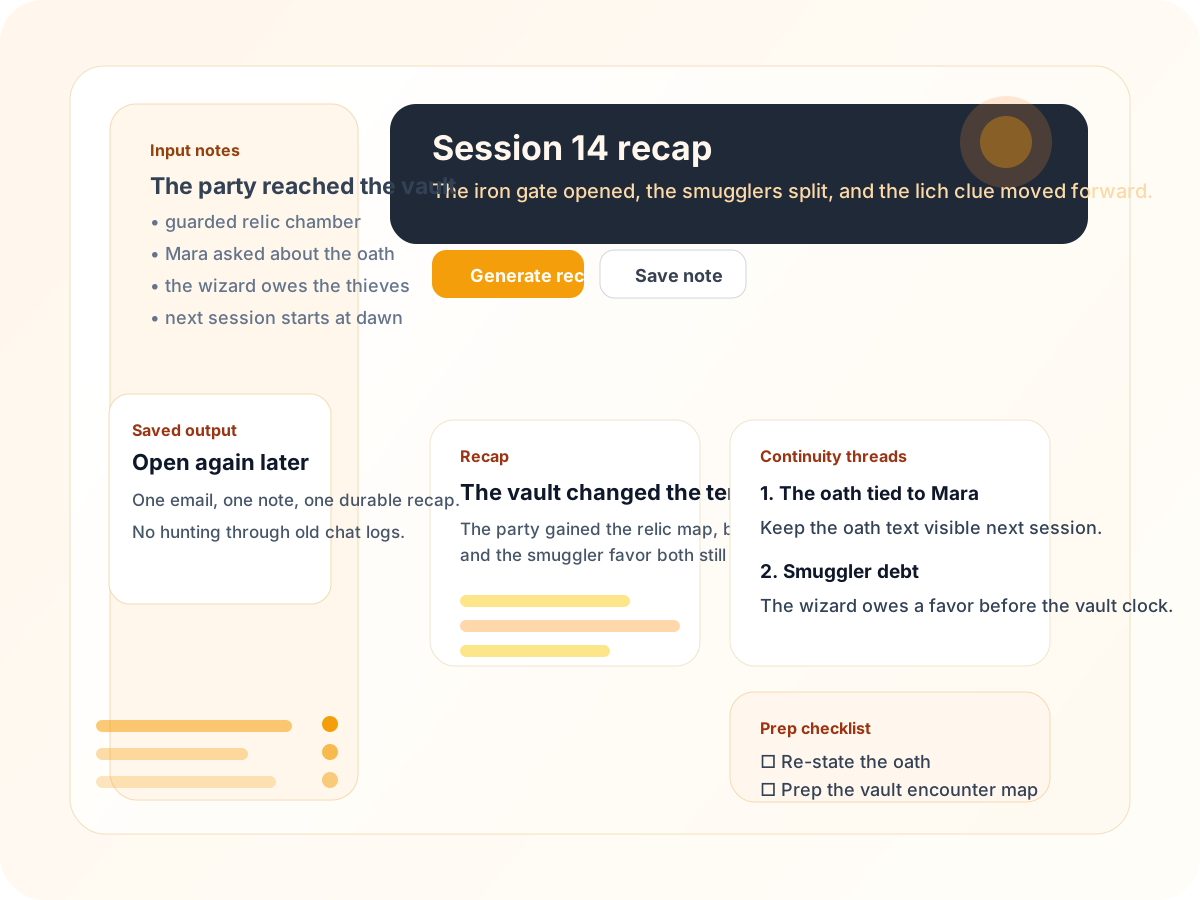
1. Paste notes
Use the notes you already have.
Bullets, a rough transcript, or the session summary your group dropped in chat.
2. Generate recap
Get the recap and prep list.
The model writes what matters, what to remember, and what to prep next.
3. Reopen later
Saved recaps stay in your dashboard.
The same input reuses the saved result, so you can pick it back up later.
Recap
A concise narrative summary grounded in what actually happened.
Unresolved threads
Loose ends, threats, and promises worth paying off next session.
NPC reminders
Who matters now, what they want, and what the players may have forgotten.
Prep checklist
A short next-session prep list you can use immediately.
The Blackwell session recap
- The party reached the ruined tower, recovered the key, and learned the mayor is hiding the map.
- Unresolved thread: the missing scout still has not been found.
- Prep reminder: refresh NPC motives for the ferry captain and the widow at the inn.
- Next session goal: decide whether to confront the mayor or follow the scout trail.
Never lose the thread of your campaign.
RecapForge is opinionated about continuity. It narrows your workflow to the exact moment after a session when momentum usually breaks.
A narrow workflow with a clear output.
You paste notes, generate the recap, save it, and reopen it later from the dashboard. No wiki, no giant board, no generic chatbot shell.
Questions the table will ask
What do I paste?
Notes, a transcript slice, or a rough summary from the session.
Can I reuse a recap later?
Yes. The same input reuses the saved result on later visits.
Do I need a wiki?
No. The product is for turning one session into the next prep pass.
Is there feedback?
Yes. The dashboard collects feedback in a durable form.
Paste one note, get the recap, and keep the campaign thread alive.
The first live slice is built for the actual job: input notes, generate the recap, save it, and reopen it later.